Posts

Gaming Art | Creating the HUD: Lives, Oxygen bar + Main Menu + Game Over panel
Image
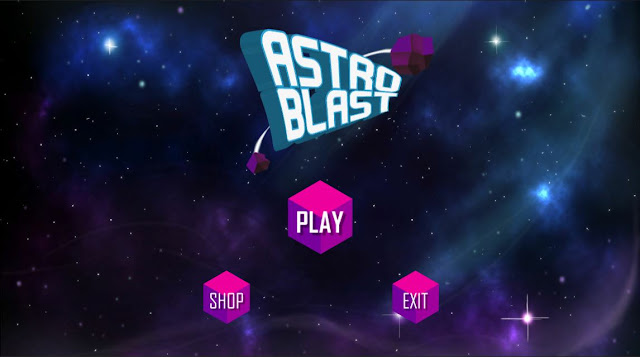
The main menu looks like this: I haven't implemented the shop yet, and I hope I have enough time to do it! The HUD has three lives, an oxygen bar that decreases gradually and points you can earn by collecting astronaut food.  I had some problems with the bar at first because I had declared two floats in the same line like this: public float currentOx, maxOx = 100; and I thought you can initialize both variables at the same time with the same value, but no, you have to assign a value to both of them independently. And finally I implemented a Game Over panel with two buttons to Try Again or to Exit the game to the Main Menu. This just appears if the player dies. Also the objects stop moving to the left  in the background and the user can't move the player anymore. Useful links: Player Health UI   Player Health System Health bar

Gaming Art | Collectables + Coordinates problem in Unity

Image
I had to create the collectables from scratch because I cannot find the Maya file where I put them. But they're very easy so it didn't took that long. The texture of the astronaut food and the label of the oxygen can I made in Photoshop with the UV Map export.  I also made an Idle animation. But it doesn't work in Unity and I don't know why. It looks like the coordinates have been wrongly imported to Unity (?) because the Z and X axis are switched. Also, when I load the idle animation, exactly like I did with every other element, when I press play the objects are placed in the origin, it doesn;t matter if I placed them somewhere else or if they have code attached. 

Gaming Art - Week 14 | Building in hazards + Comet animation

Image
This week I added asteroid waves and a comet. I made this idle animation for the comet: While the player, background and camera are static, all the hazards come towards the player with a simple line of code. I also implemented a Sine and Cosine movement I learned from this tutorial . Then I added asteroids that move up and down, but with the movement along the Z-Axis the movement is more diagonal, but it still works. I had some problems with the code but I posted my question in Stack Overflow. It's a forum where people post questions about coding (it can be anything IT related really) and someone helped me out and now it's working fine! Useful links: Sinusodial movement in Unity   Lerp function

Gaming Art - Week 12 | Particle systems

Image
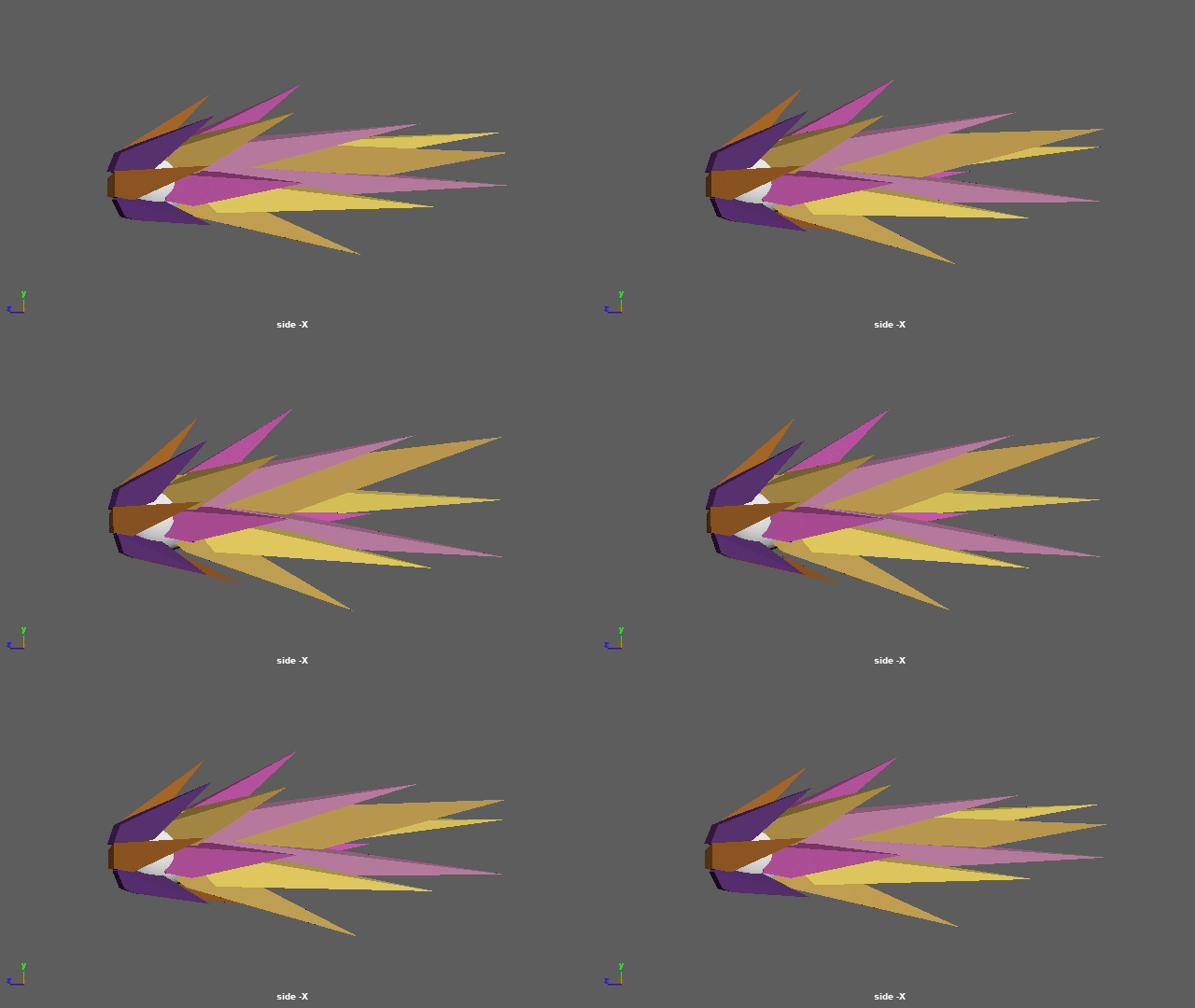
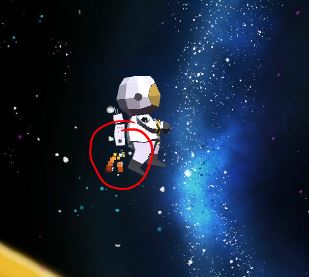
I added emissions to the astronaut and comet to recreate fire. I was inspired by this tutorial [ Low Poly fire particle system ] to make it look low poly so the style stays consistent.

BSA227 - Week 13 | Rigging Arl + Tips I've learned

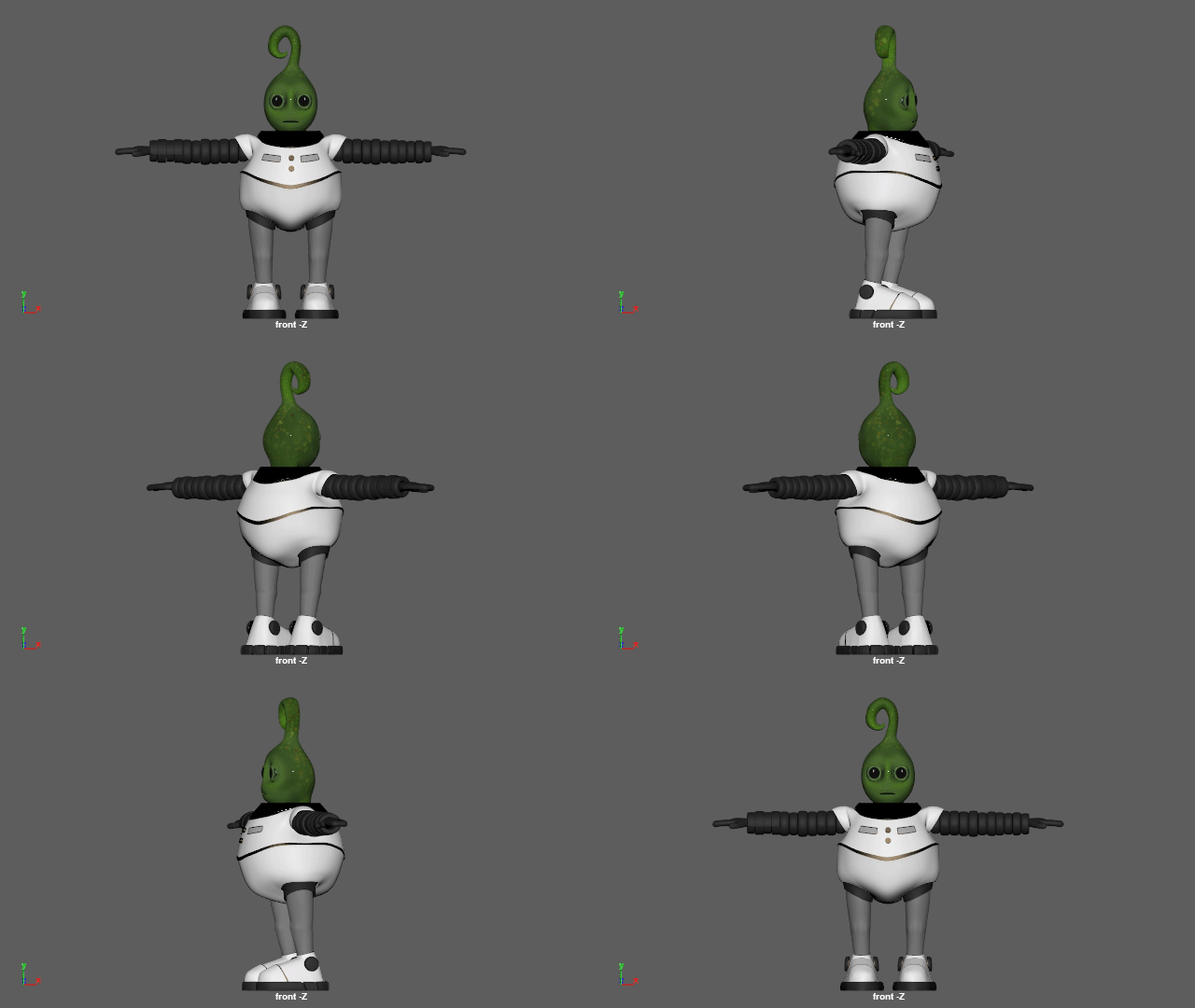
The rigging was a bit tricky and I had to do it a couple of times from scratch. After creating the skeleton I rigged everything and the weight painting was obviously a nightmare, because the suit is not supposed to bend. Also it was very frustrating because my character has a lot of different layers and e.g. if I wanted to paint the head I could not because of the glass, even if this one was hidden. Plus I would paint on the glass, I had to zoom in a lot to paint the head and that was just very uncomfortable and discouraging. So, how did I fix this? Make the bones visible Well first of all, I could not remember how to make the bones visible from every angle when you're creating the rig and is very simple, I found it here [ Xray joints ]. Only rig what bends So instead of rigging everything, I took the suit and the helmet out of the Arl group and parented to the spine bone. So much easierrrrr to weight paint. I left the sleeves because they have a rubbery material and I wan...

BSA227 - Week 13 | Eye colour tests with Arl + Eye controller

Image
When texturing the glass bubble it was all black at first and I didn't understand why it wasn't working because the Transmission was 1.0. But I found this information online, it was only the Opaque option. Glass/transparent material in Maya I used the eye color maker from the resources to make some options. These were some: In the original concept art Arl has black eyes but it didn't have the same effect in 3D, I think it looks more creepy than cute. I think I like the dark brown ones and they look still pretty dark from the distance. I made eye controls following this tutorial (it's in other language but it's very easy to follow).

BSA227 - Update | Filming + Model + Problems with Mudbox

Image
FILMING We booked a day to film in the Otepuni gardens. The paperwork for the permission was a bit difficult to do but I was glad that it worked out and we did not have to pay any fees like we thought. The filming went good, we had some trouble at first with the camera settings but Rebekka could manage. Unfortunately, we did not have enough time to film everything we wanted, we still have to shoot the scene with the can and the Arl leaving. MODEL + MUDBOX NIGHTMARE For the past weeks I've been modelling Arl and has taken more time than I thought. I also added materials, I changed the colour palette slightly adding copper accents. I was very "worried" about the head, that's why I left last but it wasn't that bad! I had to start again twice but it was worth it because now I have a better understanding of head topology. I highly recommend having references open, I was comparing and analyzing them all the time. The fact that there's no nose also helped....